
How to schedule the first appointment
[1] Click schedule appointment on your order receipt (you can find it in your email),

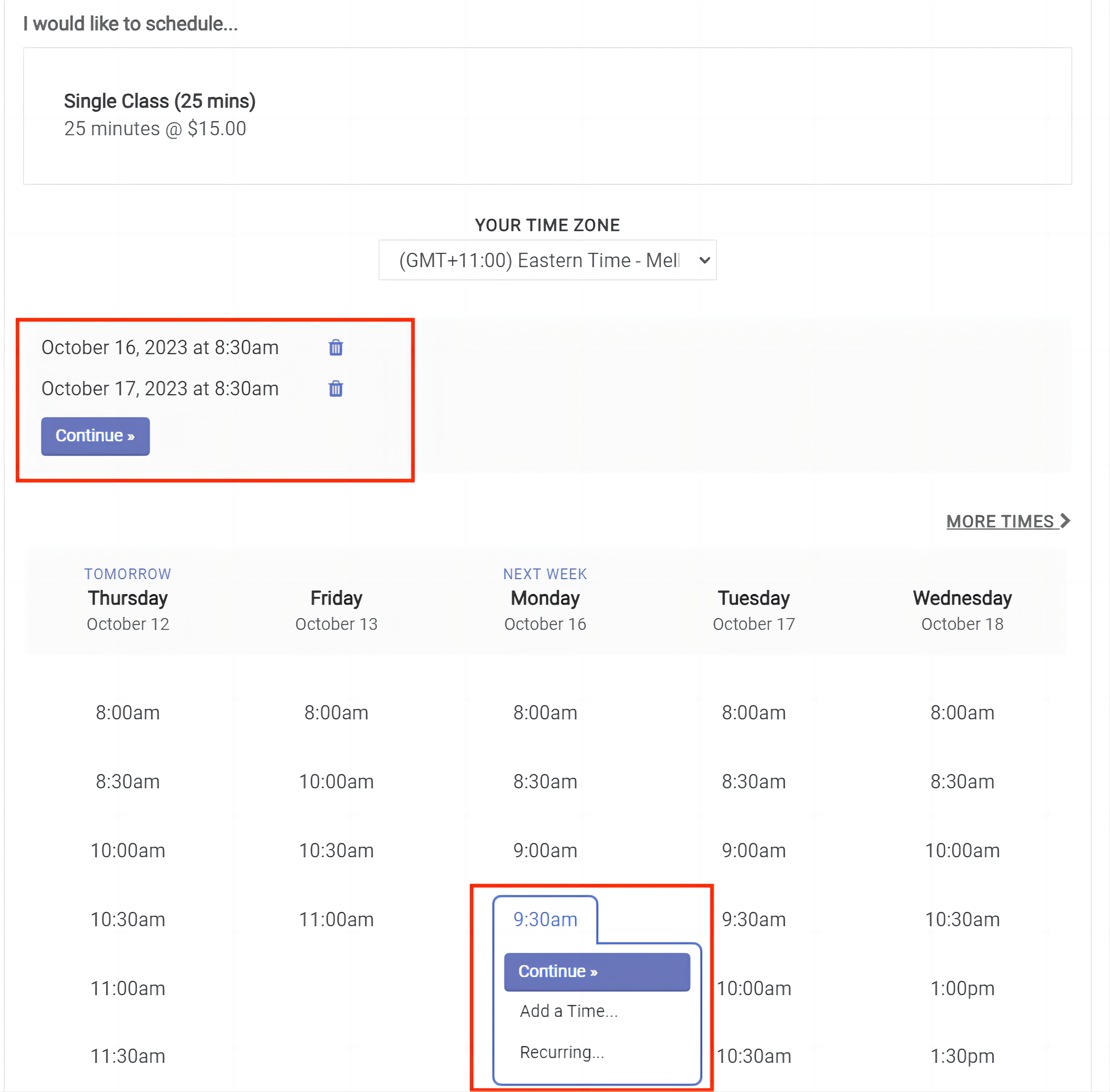
[2] You will be presented with a calendar of available time slots. You can Add a time for the first class or book multiple time slots at once.
[3] Check your information and Complete appointment.


[4] Done! You will also receive this confirmation in your email and add them in your calendar.
☝
Don’t forget to Register for an Account after you schedule your first appointment!
Only when you have an account, can you access your remaining lessons!